Follow these steps to cancel it:
- Log in to your Estimatty account
Go to Estimatty and sign in to your dashboard.
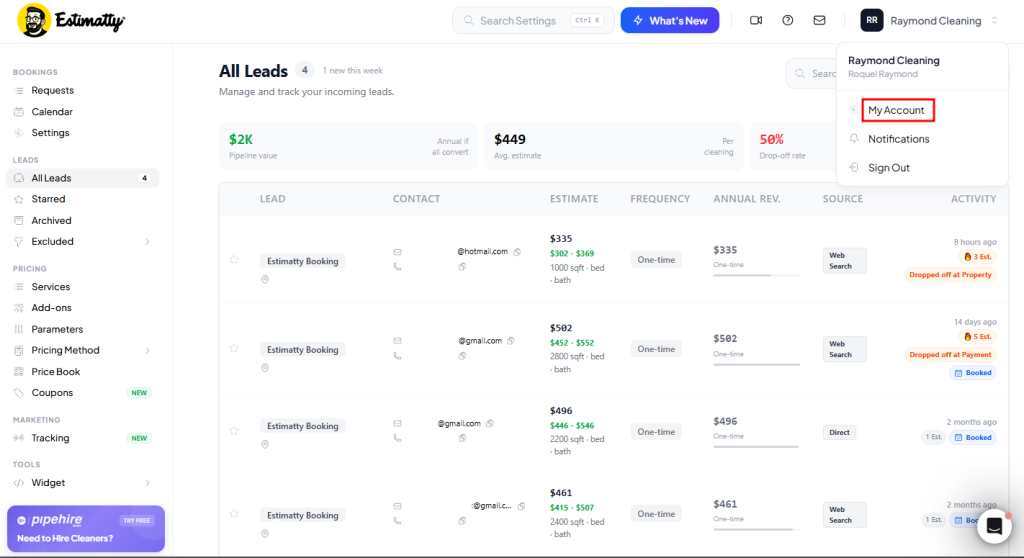
- Navigate to “My Account”
In your Estimatty dashboard, go to Your Name → My Account in the upper right corner. In this section, your Account Settings will appear.
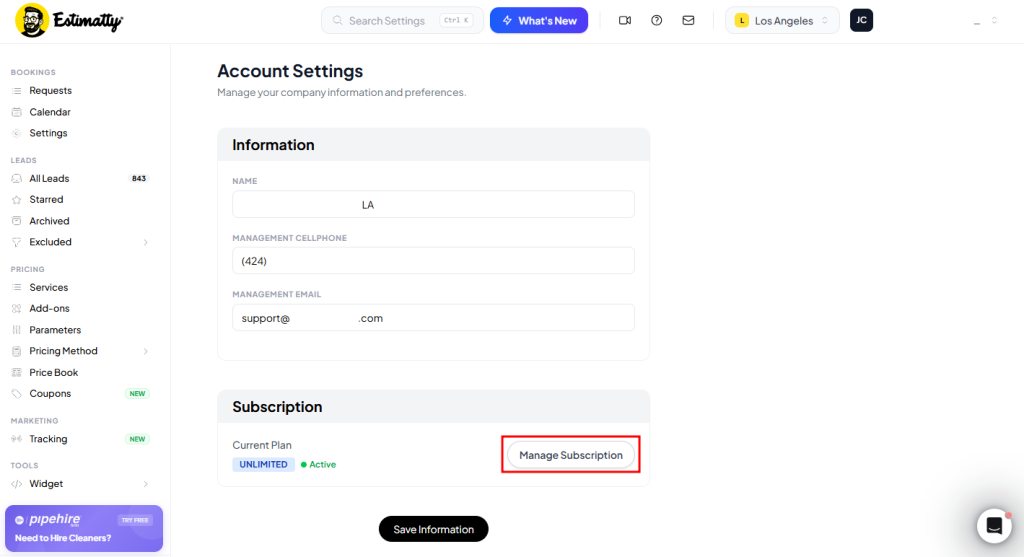
- Go to Manage Subscription
In your Account Settings, select Manage Subscription.
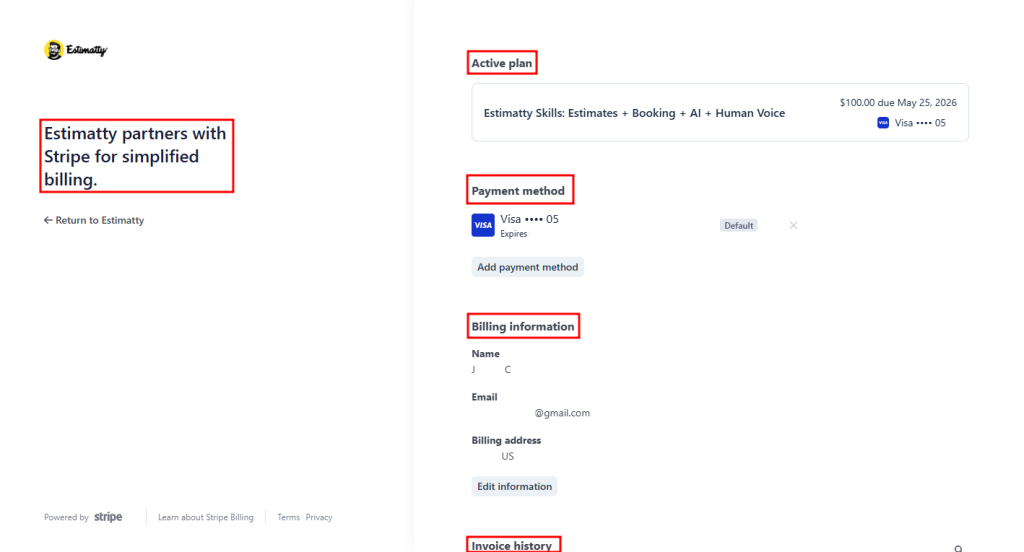
It will take you to Stripe, and it’ll show your Active plan, Payment method, Billing information, and Invoice history.
- Go to Your Active Plan
Select your Active Plan.
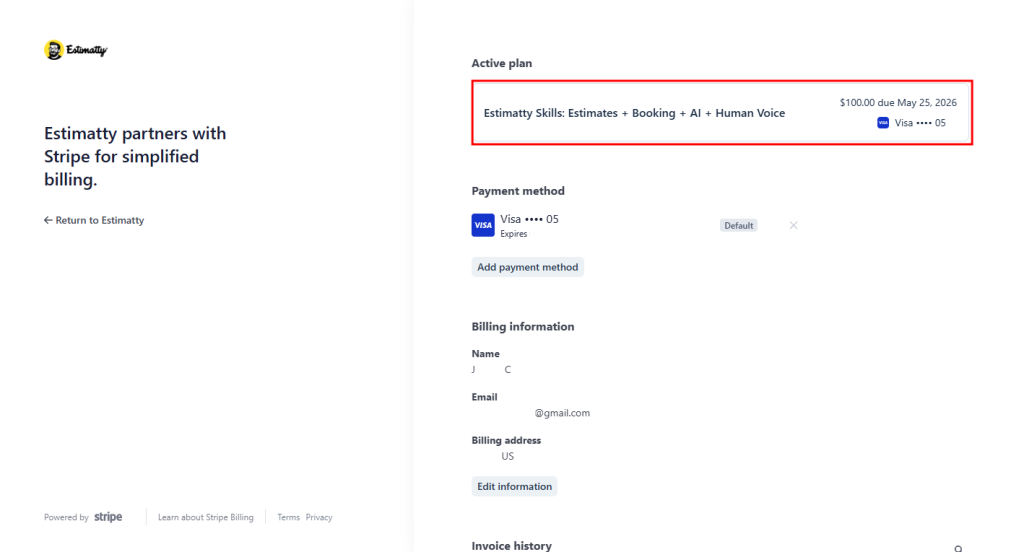
It will take you to your Active Plan details. Then select the Cancel Plan button.
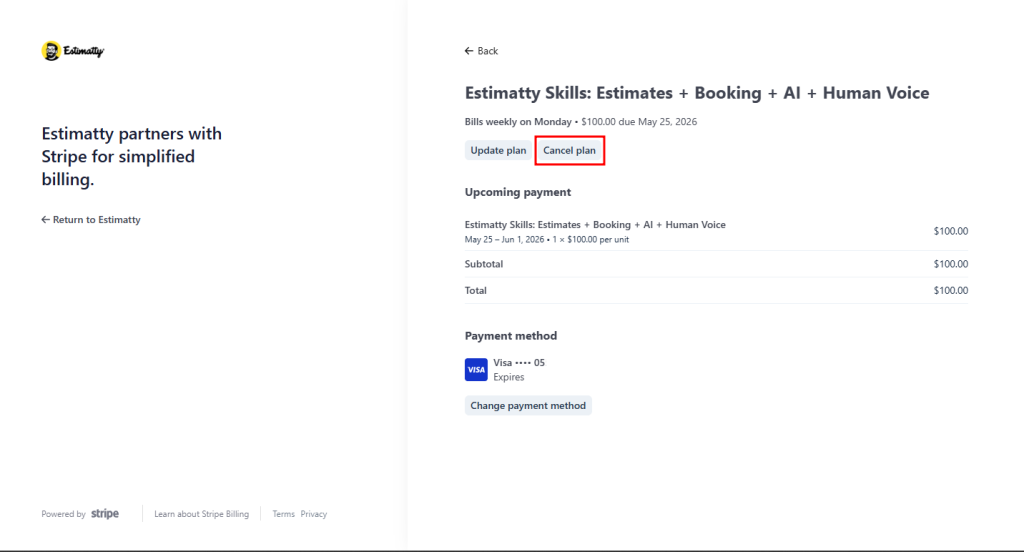
- Confirm Cancellation
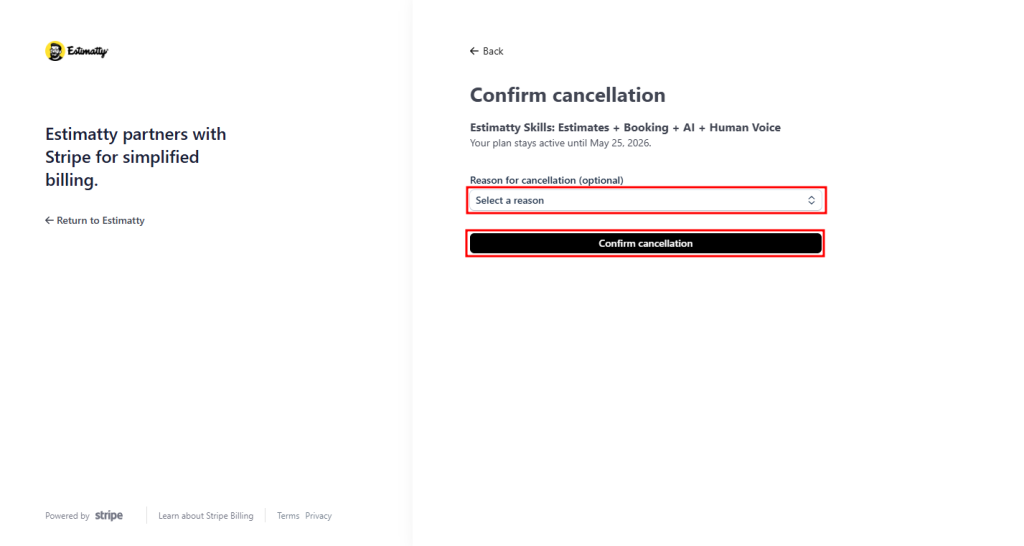
Once on the Confirm Cancellation page, a list will appear to select the Reason for Cancellation (where you must select an option), and then select Confirm Cancellation.
NOTE: Your cancellation will take effect on your next date of payment cycle.